


TL;DR
- Free AI web app builders can ship a first version in minutes, but limits show up when you need control, scaling, or integrations.
- Free plans often impose branding, subdomains, usage caps, and platform lock-in—plan for upgrade or migration.
- Best choice depends on your next 30–60 days: validation, marketing/SEO, design polish, or scalable product.
- This list compares Wix, Durable, Framer, SITE123, Jimdo, Base44, Firebase Studio, Glide, Softr, plus AppWizzy as a durable option.
Fact Box
- AppWizzy’s free plan is $0/month with ~5 credits/month and up to 3 public apps.
- AppWizzy paid plans start around $20/month and add private apps, more credits, and team features.
- Base44 paid plans start around $20/month; its free usage is limited by messages/credits.
- Glide offers a free plan; paid plans start around $25/month.
- Softr offers a free plan; paid plans start around $49/month.
You can build a web app with AI in minutes, but if you care about what happens after that, you should read this to the end.
When people search for free AI web app builders, they’re usually asking:
- Can I really launch something usable without paying?
- What are the hidden limitations behind “free” AI tools?
- Which builders are actually good for real projects vs just demos?
- When will I be forced to upgrade, rebuild, or switch tools?
As Andrej Karpathy put it: “The hottest new programming language is English”. But speaking to AI is only the beginningbuilding something that holds up is a completely different game.
The problem is bigger than it looks. AI builders optimize for speed, not durability. Research like the State of DevOps Report shows that systems built without structure and process tend to fail more often and recover more slowly. At the same time, studies on generative AI adoption (such as those from McKinsey & Company) highlight a growing gap: AI accelerates creation, but not reliability. That gap is exactly where most “free” tools start to crack.
By the end of this article, you’ll understand what free AI web builders actually give you, where they quietly limit you, what typically breaks first as your project growsand how to choose a tool that won’t force you to rebuild everything just when things start working.
What Is an AI Web App Builder
An AI web app builder is a tool that allows you to create fully functional web applications using AI, instead of writing code manually.
You describe what you want in plain language, such as a CRM, dashboard, or booking system, and the tool generates a working application with frontend, backend, and database already connected.
Unlike traditional web app builders that focus on pages and design, AI web app builders create systems with logic and data. This means your app can handle users, workflows, permissions, and real business operations, not just display content.
In simple terms, AI web app builders help you create pages. AI web app builders help you create products.
What You Get and What Breaks First With Free AI Web App Builder
Free AI web app builders feel almost too good at the beginning. You describe an idea, click a button, and within minutes, you have something that looks real enough to share. That early momentum is powerful, it removes friction, lowers the barrier, and makes launching accessible to almost anyone.
But that same simplicity comes with trade-offs. These tools are designed to get you to a first version as quickly as possible, not to support everything that comes after. And the moment you start pushing beyond the basics, the limitations become much more visible.
What You Get
- Speed: generate a full web app in minutes
- No technical skills required: everything is handled for you
- Solid starting point: usable design, content, and structure
- Built-in features: hosting, forms, basic SEO
- Free entry: easy to test ideas without upfront cost
What Breaks First
- Customization limits: hard to change structure or behavior
- Scaling issues: simple sites don’t translate well into complex ones
- Integrations & logic: advanced workflows are limited
- Control & performance: little access to how things work underneath
- Platform lock-in: difficult to export or migrate
- Free plan constraints: branding, subdomains, and usage limits
Free AI web app builders are excellent for getting started. They help you move fast, validate ideas, and launch without friction. For simple projects, that may be all you ever need.
But if your goal is to grow, add complexity, refine your product, or build something long-term, you’ll eventually run into their boundaries.
The key is not to avoid these tools, but to use them intentionally: use them for speed at the beginning, but don’t assume they will carry you all the way.
Top 7+ Free AI App Builders (Vibe Coding Tools)
Most lists talk about AI web app builders. This is not that.
This is a different category tools designed to help you go from idea to a working product, not just a page. Instead of picking templates or dragging blocks, you describe what you want, generate a first version, iterate on it, and deploy it.
Some of these tools are incredibly fast but shallow. Others are slower but give you something you can actually build on. At first glance, they might look similar. But once you try to move beyond a demo, add logic, handle real users, or scale, the differences become very clear.
Wix
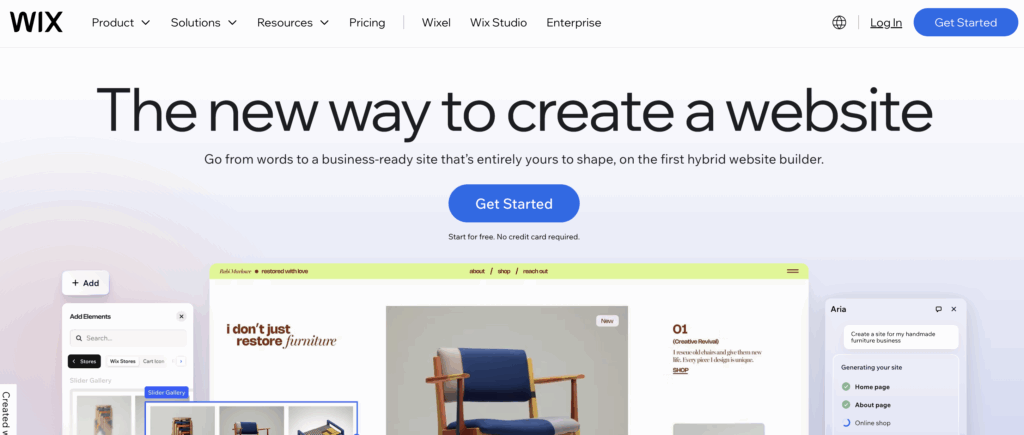
Wix is one of the most widely used web builders and has introduced an AI-powered web app creation flow that allows you to generate a full site by answering a few questions. It combines AI generation with a mature ecosystem of tools, making it more than just a quick builder. You can create and publish a web app for free on a Wix subdomain, which makes it accessible for early-stage projects. It feels polished and reliable, especially compared to newer tools, but still operates within a structured system.
Target audience
Small businesses, freelancers, and non-technical founders building marketing web apps.
Key features
AI web app generation, drag-and-drop editor, templates, hosting, SEO tools, and integrations.
Pitfalls
Limited flexibility beyond the Wix ecosystem and requires upgrading for custom domains and advanced features.
Pricing
Free plan available with Wix branding and a subdomain.
Durable
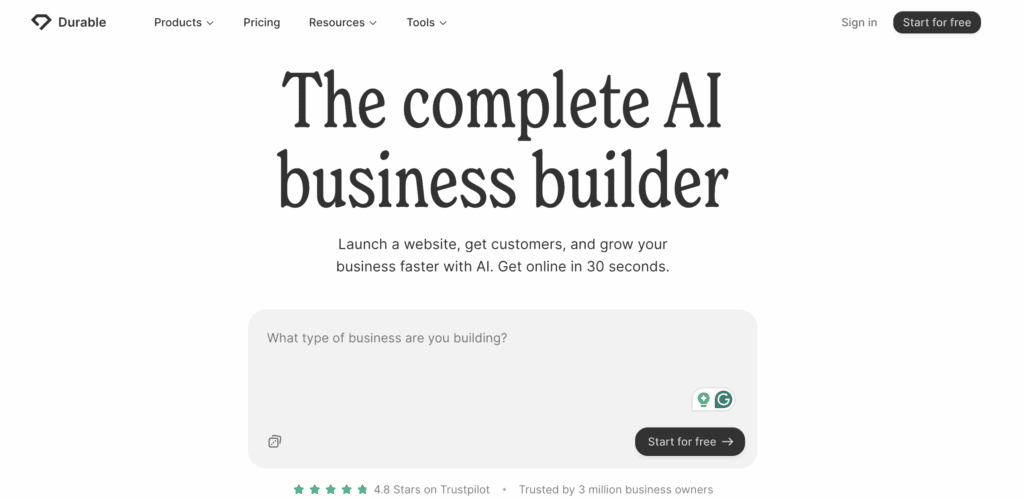
Durable is one of the fastest AI web builders available. You describe your business, and it generates a complete web app in seconds, including layout, content, and images. It is designed for simplicity, making it extremely accessible for non-technical users. The free plan allows you to explore the full experience and quickly get a basic site online. The experience is smooth and fast at the beginning, but limitations appear as you try to customize or expand the site.
Target audience
Non-technical founders, small business owners, freelancers, and local businesses.
Key features
AI web app generation, built-in CRM, simple editor, hosting, and fast publishing.
Pitfalls
Limited customization and control when moving beyond simple web apps.
Pricing
Free plan available for testing and basic usage.
Framer
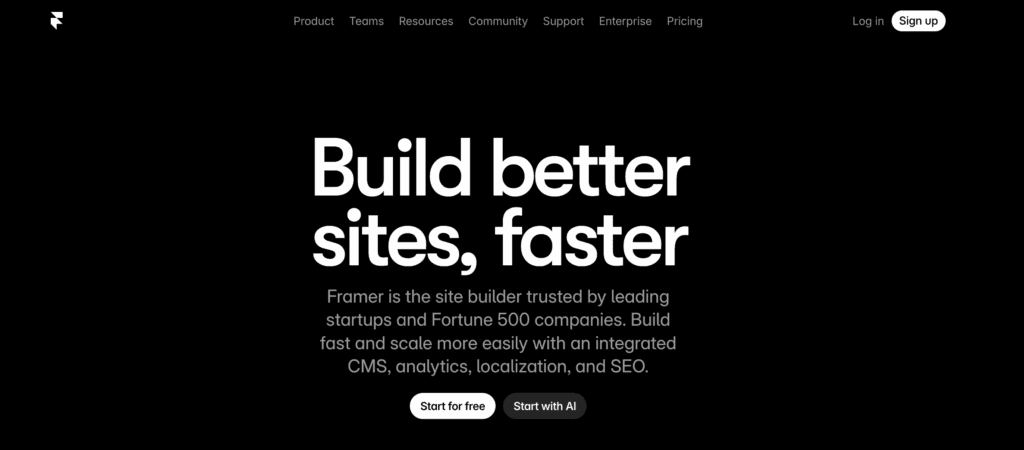
Framer is a design-focused web app builder that combines AI generation with a modern visual editing experience. It allows you to create clean, high-quality web apps quickly while still offering more control over layout and design compared to simpler builders. The free plan lets you publish web apps on a Framer subdomain, making it a strong option for design-conscious users. It sits between simplicity and flexibility, offering more creative freedom than most AI-first tools.
Target audience
Designers, startups, and founders who care about visual quality and branding.
Key features
AI-generated layouts, visual editor, animations, hosting, and modern design components.
Pitfalls
Requires more effort than simple builders, and some advanced features require upgrading.
Pricing
Free plan available with Framer branding and a subdomain.
SITE123
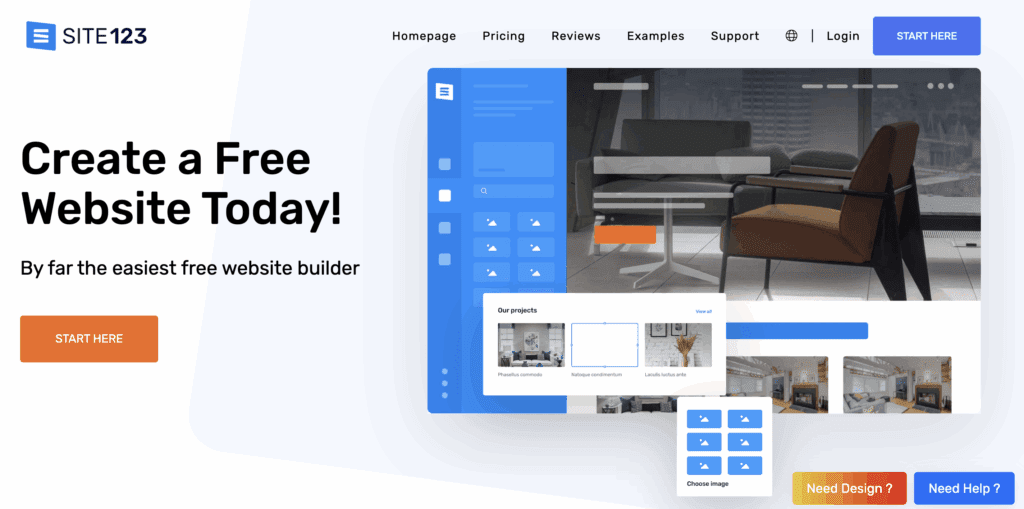
SITE123 is a straightforward web app builder focused on simplicity and speed. It includes guided web app creation with some AI-assisted elements, making it easy for beginners to get online without technical knowledge. The free plan lets you create and publish a working web app, making it a practical starting point for basic use cases. It is not as advanced or flexible as newer AI builders, but it is stable and easy to use.
Target audience
Beginners, small businesses, and users who want a simple web app with minimal effort.
Key features
Guided web app setup, templates, basic AI assistance, hosting, and quick publishing.
Pitfalls
Limited customization and less advanced AI capabilities compared to newer tools.
Pricing
Free plan available with a subdomain and basic features.
Jimdo
Jimdo is a simple web app builder that uses AI to help users generate web apps quickly based on a few inputs about their business. It is designed for ease of use, allowing users to go from idea to a live web app without technical skills. The free plan provides enough functionality to launch a basic site, making it a good option for early-stage projects. However, it is less flexible than more modern builders.
Target audience
Non-technical users, freelancers, and small businesses are creating simple web apps.
Key features
AI-assisted web app generation, simple editor, hosting, and quick setup.
Pitfalls
Limited customization and fewer advanced features for scaling or complex needs.
Pricing
Free plan available with Jimdo branding and a subdomain.
Base44
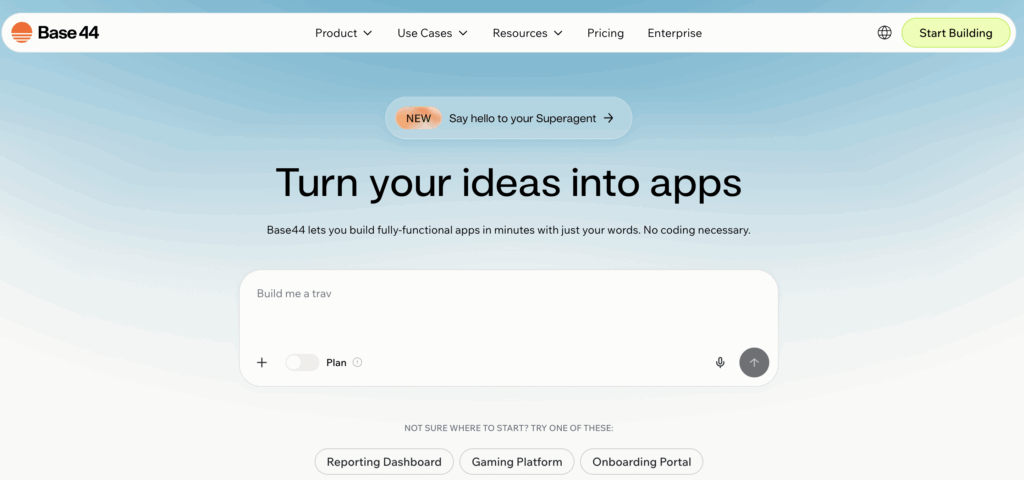
Base44 is positioned as an AI app builder with built-in backend features like authentication and integrations. It tries to move beyond simple UI generation and into a real application structure. The free plan gives access to core functionality, which is valuable for understanding how the system works. However, usage limits are tight, so it behaves more like a constrained demo environment. It is a promising direction, especially for non-technical users. But it is still early compared to more mature platforms.
Target audience
Non-technical founders and small teams building simple applications.
Key features
AI app generation, built-in auth, database functionality, and integrations.
Pitfalls
Very limited free usage (messages/credits), which restricts iteration.
Pricing
Free plan available; paid plans start around $20/month.
Firebase Studio
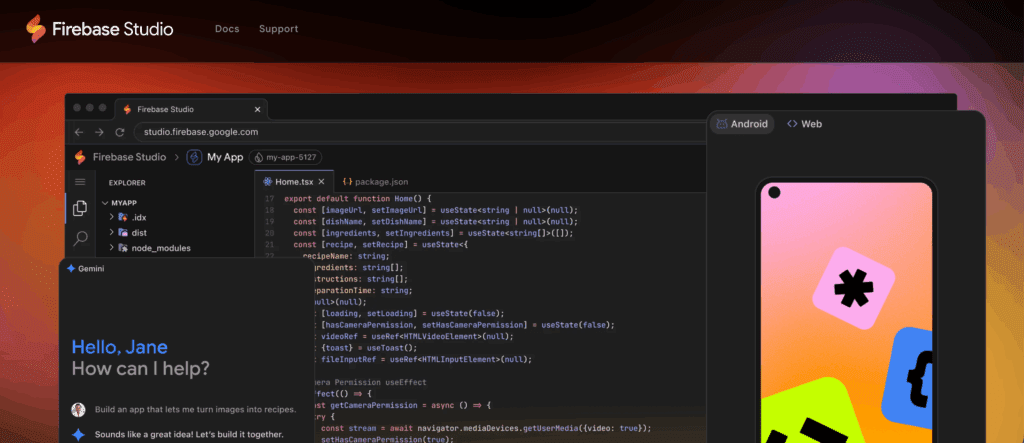
Firebase Studio is Google’s attempt at an AI-assisted development workspace. It is less polished as a “product builder” but stronger as an infrastructure-oriented tool. It integrates deeply with Firebase services, which makes it powerful for those already in that ecosystem. The free access (during preview) makes it worth exploring. However, it is not as smooth or beginner-friendly as other tools on this list. It feels more like a foundation than a finished product.
Target audience
Developers and teams working within the Firebase/Google ecosystem.
Key features
AI workspace, Firebase integration, app-building environment, multiple workspaces.
Pitfalls
Less intuitive, and some features may require billing, even if the core workspace is free.
Pricing
Free access during preview; additional services may require paid Firebase usage.
Glide
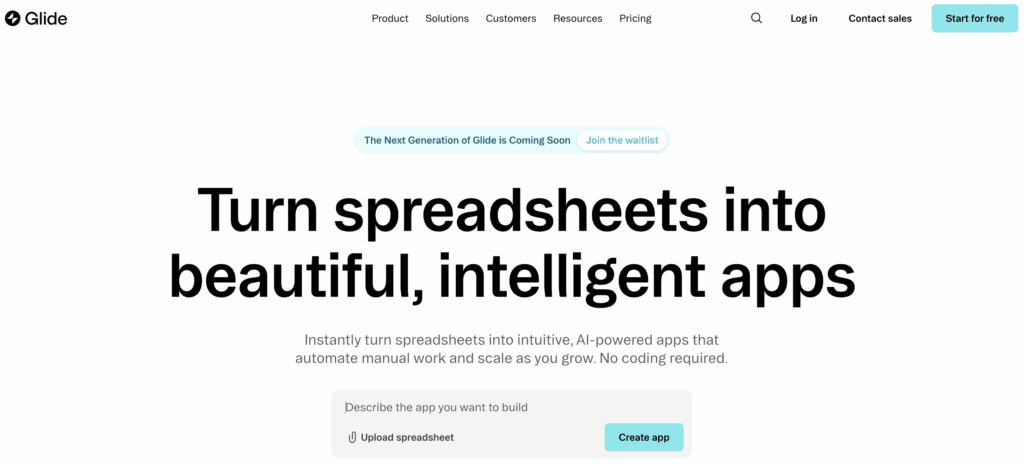
Glide is slightly different from others here, but still fits the “vibe coding” direction. It allows users to create apps from data (like spreadsheets) with AI assistance layered on top. The free plan is real and usable for small apps, which makes it a good entry point. It is not a full coding environment, but it is much more structured than simple web app builders. Glide shines when you need internal tools or lightweight business apps. It struggles when you go beyond its data-driven model.
Target audience
Non-technical users, operators, and small teams building internal tools.
Key features
AI-assisted app building, spreadsheet/database integration, fast deployment, no-code interface.
Pitfalls
Limited flexibility outside predefined patterns, not suitable for complex products.
Pricing
Free plan available; paid plans start around $25/month.
Softr
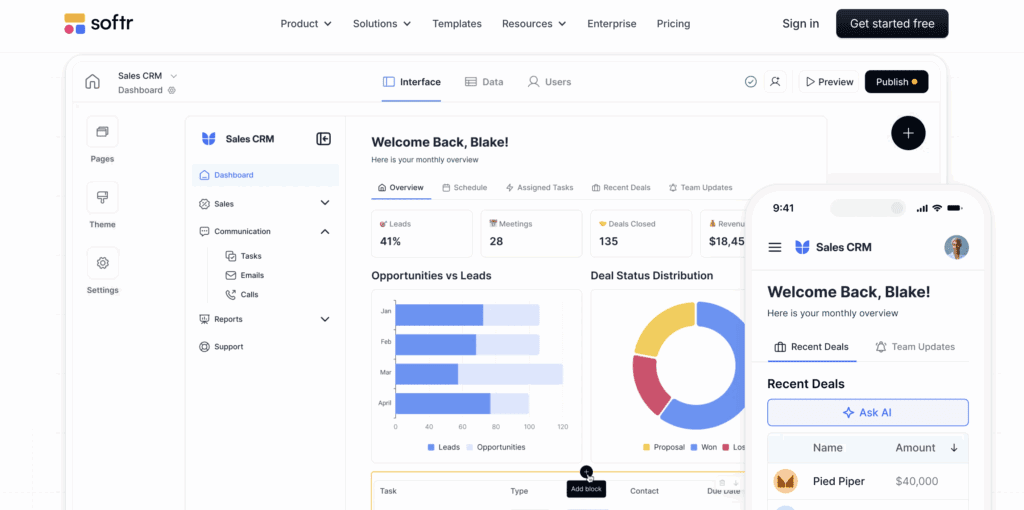
Softr is another no-code + AI builder focused on creating applications on top of data sources like Airtable or databases. It is more structured than classic web app builders and allows you to build portals, dashboards, and simple SaaS-like products. The free plan is real and lets you publish working apps, which makes it a solid entry point. It sits somewhere between no-code and AI-driven building. It is easy to use, but not infinitely flexible. Think of it as a controlled environment rather than an open system.
Target audience
Non-technical founders, startups, and teams building internal tools or lightweight SaaS.
Key features
AI-assisted building, database integrations, user authentication, and app publishing.
Pitfalls
Dependent on the underlying data structure, limited customization compared to full-stack tools.
Pricing
Free plan available; paid plans start around $49/month.
How to Choose the Best AI Builder for Your Startup
Choosing an AI web app builder in 2026 isn’t about picking the “most powerful” tool; it’s about picking the one that matches your stage, speed, and constraints.
Because here’s the reality:
Most AI builders can generate a decent web app. What separates them is what happens next when you try to grow.
1. Start With Your Actual Goal (Not Features)
Before comparing tools, answer one question: What are you trying to achieve in the next 30-60 days?
Different builders are optimized for different outcomes:
- Idea validation → Fast, simple builders (Appwizzy, Durable)
- Marketing site → Balanced tools (Wix, Hostinger)
- Design-heavy brand → Visual-first tools (Framer, Squarespace)
- Scalable product or app → More flexible systems (10Web, Webflow)
Most founders make the mistake of over-optimizing too early. Speed matters more than flexibility at the beginning.
2. Evaluate “Time to First Version”
AI builders promise speed, but not all deliver equally. Some generate:
- A usable site in 30 seconds (Durable-style tools)
- A customizable draft in a few minutes
- A more complex but slower setup (WordPress-based tools)
Modern AI builders can reduce web app creation from weeks to hours
What to look for:
- Can you publish today?
- Or will you spend hours fixing the AI output?
If it’s your first launch → optimize for speed over perfection.
3. Check How Much Control You’ll Have Later
This is where most free AI builders quietly fail. At first, everything feels flexible. Then you try to:
- Change layout structure
- Add custom sections
- Adjust behavior or logic
And hit a wall. Many tools rely on predefined layouts and limited editing depth.
Key question: Can this tool grow with me, or will I rebuild in 2 months?
4. Look Beyond AI: Ecosystem Matters
The AI is just the entry point. What really matters is everything around it:
- SEO tools
- Integrations (payments, CRM, analytics)
- Templates and components
- App marketplaces
For example, platforms like Wix stand out because they combine AI generation with a large ecosystem of business tools and integrations.
Why this matters: Your startup won’t stay a “simple web app” for long.
5. Understand the Trade-Off: Simplicity vs Flexibility
Every AI builder sits somewhere on this spectrum:
| Type | Pros | Cons |
| Simple | Fast, easy, no learning curve | Limited customization |
| Balanced | Good mix of speed + features | Can feel complex later |
| Advanced | Full control, scalability | Steeper learning curve |
There’s no “best” optiononly the right trade-off for your stage.
6. Watch for Lock-In Early
This is the most overlooked factor. Many AI builders:
- Don’t let you export your code
- Tie you to their hosting
- Make migration difficult
Platform lock-in is a common limitation across AI builders.
Ask yourself: If this startup workscan I move, scale, or rebuild easily?
7. Pricing Isn’t the Real Cost
Free plans are greatbut misleading. The real costs appear when you need:
- Custom domain
- Analytics
- Payments
- Advanced features
AI builders typically range from free to ~$10-30/month for useful plans, with higher tiers for advanced functionality.
Translation: You won’t pay at the startbut you will pay at the moment you gain traction.
A Simple Decision Framework
If you want a shortcut:
- Just validating an idea? → Go with Appwizzy
- Need marketing + SEO tools? → Go with Wix or Hostinger
- Care about design quality? → Go with Framer or Squarespace
- Planning to scale technically? → Go with 10Web or Webflow
Choosing an AI builder isn’t about features; it’s about fit. The best tool is the one that:
- Gets you live fast
- Doesn’t block you too early
- Matches your current stage (not your future ambitions)
Because in startups, the real risk isn’t picking the wrong tool, it’s not launching at all.
Why Choose AppWizzy
Most tools in this list are designed to help you create web apps quickly. AppWizzy takes a different approach, it’s built for when a web app is not enough.
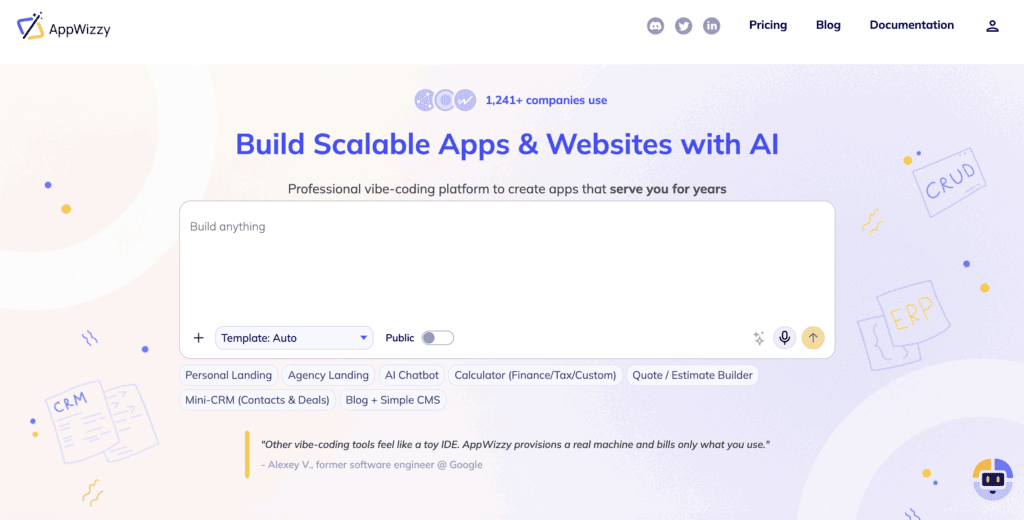
Instead of generating static pages, AppWizzy creates and runs full applications inside a dedicated environment. You don’t just get a result, you get a working system with backend, frontend, and logic already connected. The idea is simple: AI helps you build, but you stay in control. There is no black box you can’t access or modify.
This makes it closer to having an AI-assisted development environment than using a typical AI builder. You can start fast, but you are not forced to rebuild when your project grows.
Target audience
Founders, startups, agencies, and teams building real products like SaaS, internal tools, CRMs, or business systems.
Key features
AI-driven app generation, dedicated runtime environment, full code ownership, backend + frontend + database structure, ability to modify via chat and manually, deployable applications.
Pricing
Free plan available: $0/month with ~5 credits/month and up to 3 public apps. Paid plans start around $20/month and unlock private apps, more credits, and team features.
Why it stands out
- You build real applications, not just pages
- You keep full control over code and infrastructure
- You avoid platform lock-in and rebuilds
- You can grow from prototype to production in the same environment
If most AI web app builders help you launch faster, AppWizzy helps you build something that can actually last.
Conclusion
Free AI web app builders can be a great way to get started. They help founders, small businesses, and startup teams launch faster, test ideas быстрее, and avoid high upfront development costs. For simple web apps, landing pages, and early experiments, many of these tools are more than enough.
But the main thing to understand is that “free” usually comes with limits. In most cases, the first problems show up when you need more control, better customization, stronger branding, integrations, or the ability to grow beyond a basic setup. That’s when many AI builders start to feel restrictive.
The best choice depends on what you actually need right now. If your goal is to validate an idea quickly, a lightweight AI builder may be the right fit. If you are building something you plan to grow, maintain, and improve over time, it is worth paying attention not just to speed, but also to flexibility, ownership, and long-term usability.
In the end, AI web app builders are useful tools, but they are not all built for the same stage of business. Choose the one that matches your current goals, your technical needs, and how far you expect the project to go. That way, you can launch quickly today without creating bigger problems for yourself tomorrow.