TL;DR
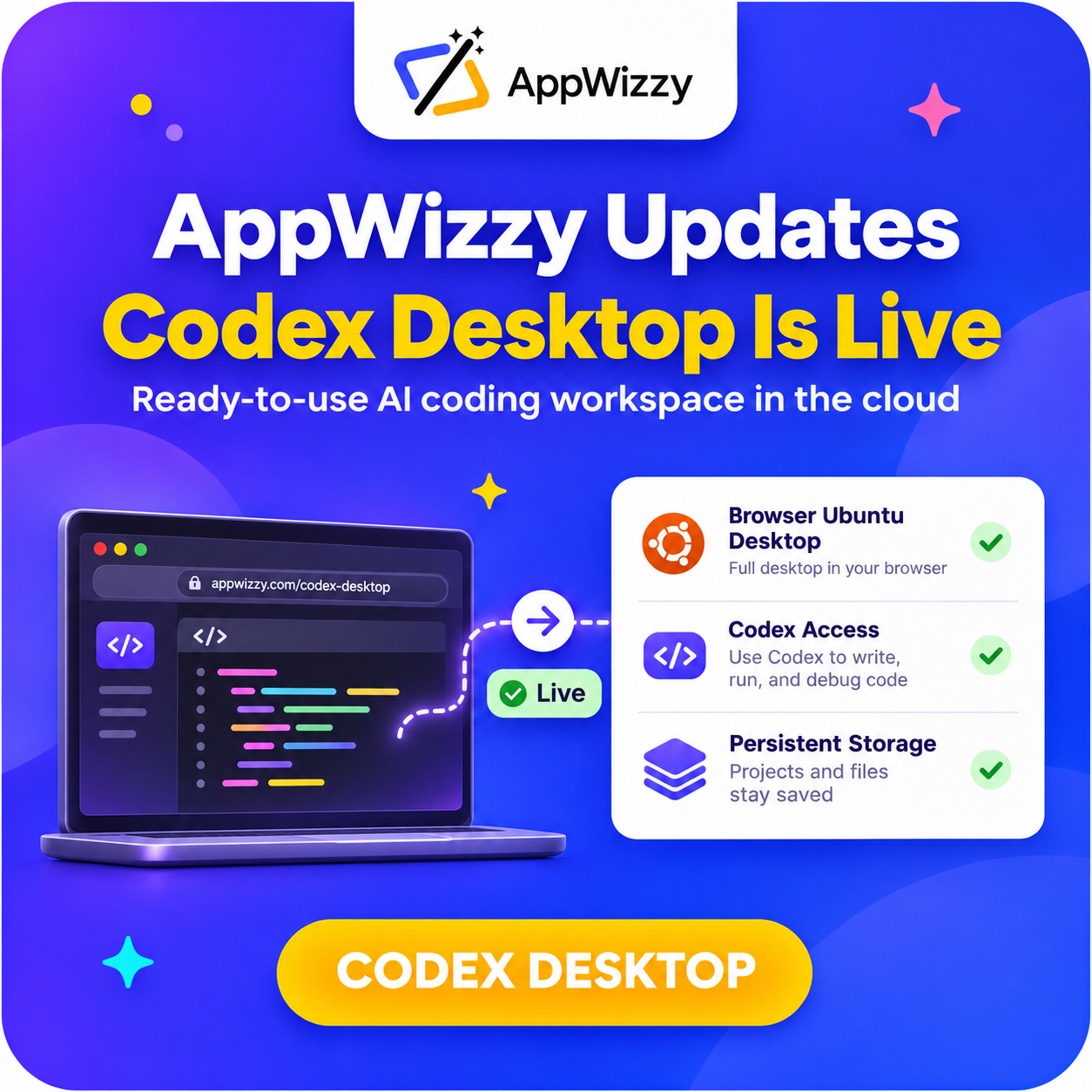
- AppWizzy Codex Desktop provides a ready-to-use cloud dev environment with Codex so you can start coding immediately.
- Open a full Ubuntu desktop in your browser and use Codex via desktop, browser, or terminal.
- Access the same persistent workspace from multiple devices with files and projects kept in one place.
- Includes preinstalled tools like Chrome, Git, and Node.js; no manual setup required.
- Use managed AI access or connect your own OpenAI account/API key.
Fact Box
- Codex Desktop lets you open a complete Ubuntu desktop directly from your browser.
- Users can use Codex through the desktop, a browser interface, or a terminal in the same workspace.
- The workspace can be accessed from different devices while keeping files in persistent storage.
- Codex Desktop includes preinstalled tools such as Chrome, Git, and Node.js.
- AI access is available via AppWizzy managed service or by connecting your own OpenAI account or API key.
We’ve introduced a new way to work with AI coding tools – AppWizzy Codex Desktop.
You can now create a ready-to-use cloud development environment with Codex and everything you need to start working on your projects. No need to spend time installing tools, configuring your environment, or setting everything up manually. Your workspace is prepared for you.
Codex Desktop
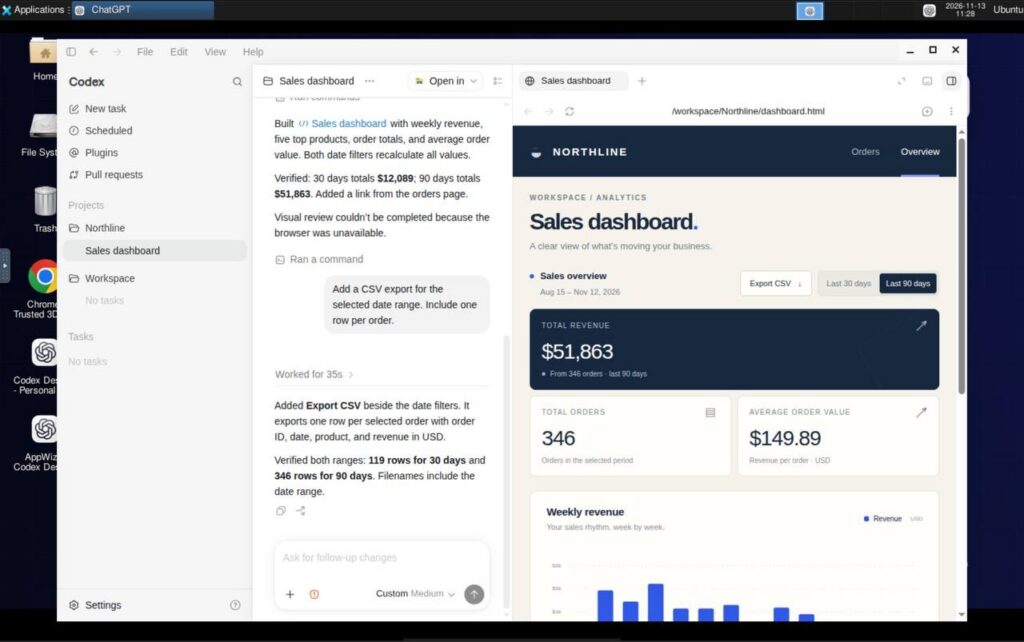
The idea is simple: one workspace where you can access Codex and your development projects whenever you need them.
With AppWizzy Codex Desktop, you can:
- Open a complete Ubuntu desktop directly from your browser.
- Use Codex through the desktop, browser, or terminal.
- Access the same workspace from different devices.
- Work with preinstalled tools like Chrome, Git, and Node.js.
- Keep your files and projects in persistent storage.
Everything is already connected, so you can focus on coding instead of preparing your environment.
One Workspace, Multiple Ways to Work
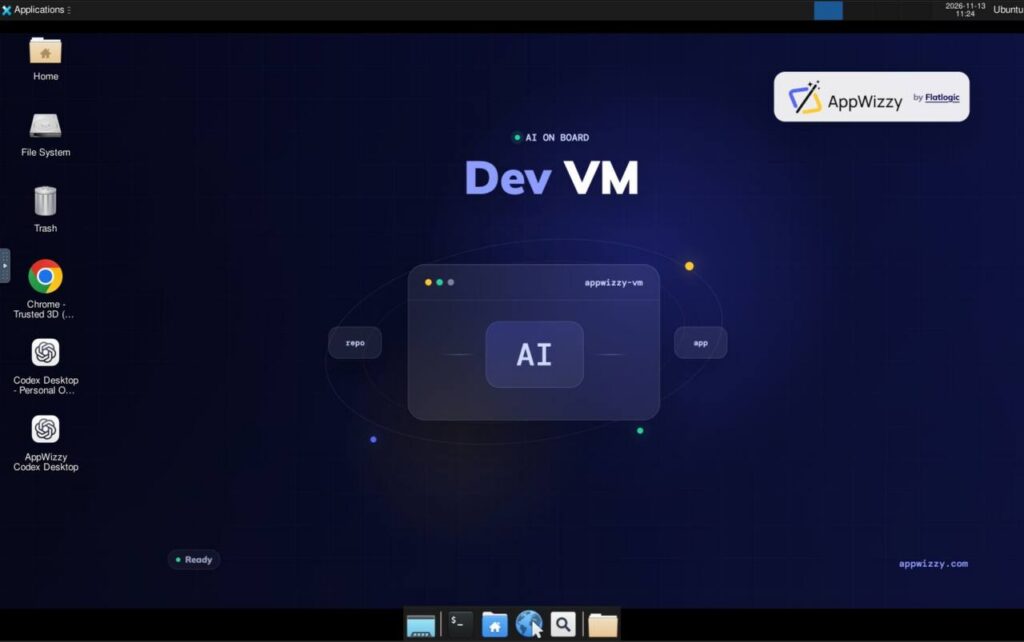
You don’t have to stick to one way of working. Whether you prefer a graphical desktop, a browser-based interface, or a terminal, AppWizzy Codex Desktop gives you access to the same workspace. Your files stay in one place, making it easier to continue working without switching between different environments. Managed AI access is also available out of the box. You can use AppWizzy’s managed service or connect your own OpenAI account or API key.
Why This Matters
AI coding tools are becoming an important part of software development. But getting the most out of them also requires a convenient environment where you can actually build and manage projects.
We wanted to make that process simpler.
Instead of spending time setting up your tools and configuring your workspace, you can create an AppWizzy Codex Desktop environment and get started right away.
It’s another step toward making AI-powered development easier and more accessible.
Try AppWizzy Codex Desktop
Ready to try it? Create your workspace, open Codex, and start building.